Scripture, one swipe at a time.
A free feed of verses with plain language notes, instant search, and one tap to ask any AI. No account. Works offline.
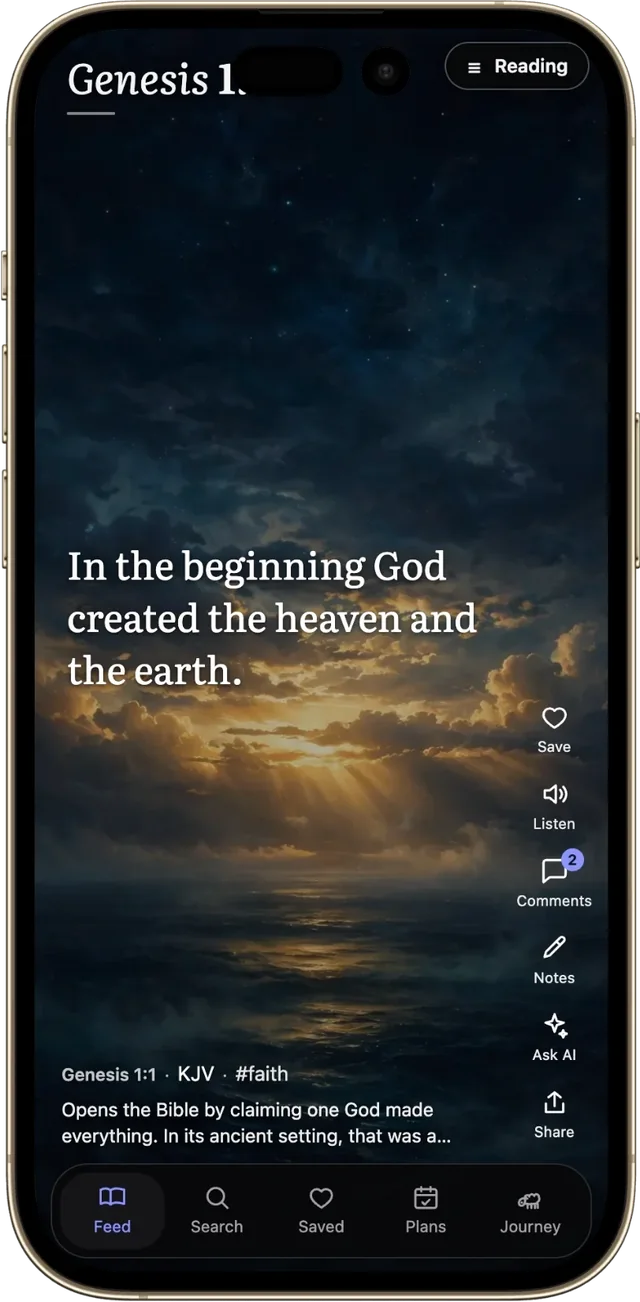
A free feed of verses with plain language notes, instant search, and one tap to ask any AI. No account. Works offline.
Here is what you get with Scroll and Pray.
A feed made for scrolling
All 31,102 verses, one at a time, each filling the whole screen. Swipe up and keep going.
Notes written by hand
988 study notes with word meanings, related passages, and chapter introductions from Matthew Henry.
Apply it today
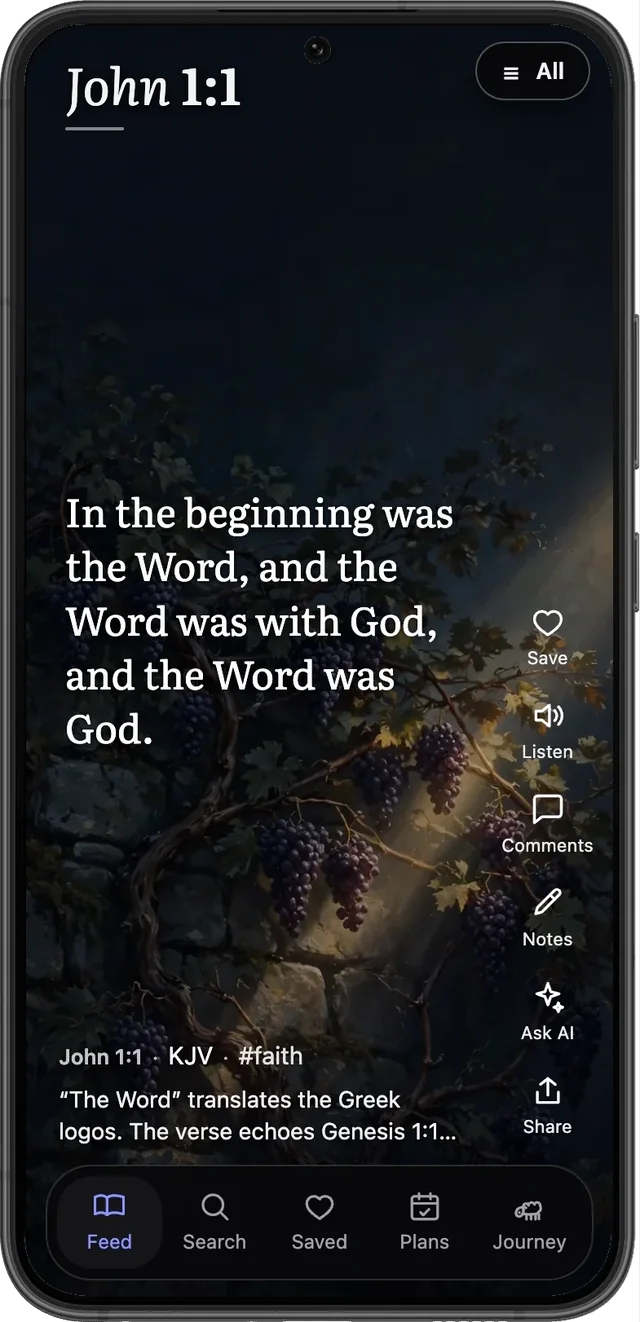
Sheep asks how to live each verse, and a short comment answers in plain language, written for that verse.
Ask any AI
One tap sends any verse to Claude, ChatGPT, or Perplexity with the question already written.
Plans for real life
The Bible in a year, the Gospels in 40 days, or a plan you build yourself. Progress stays on your device.
Art for every book
Each of the 66 books has its own painting behind the verses, from Genesis dawn to Revelation light.
Most apps like this are free to download and paywalled to use. Some charge as much as $59.99 a year for their premium tiers, and their free versions hold features back. Scroll and Pray has no subscription, no premium tier, and nothing locked. Every verse, every note, every feature, open to everyone.
Save this page to your Home Screen and it opens straight into the feed, full screen, like any other app.